
Trading Journal Template for Stocks, Options, Futures and Broker Imports
Start with a simple trading journal template, or use TradeBB to import your trades, review your performance, and understand what is driving your results across stocks, options, futures, forex, and more.
Start with a Template, Upgrade to a Smarter Trading Journal
A spreadsheet is a good place to start, but active traders often need more than rows and formulas. TradeBB gives you a structured trading journal template and an online journal built for trade imports, performance review, and repeatable trading improvement.For traders who want more than a spreadsheet, TradeBB is an online trading journal built for broker imports, reports, calendar views, notes, strategies, and tags.
Use TradeBB Online Journal
Import Trades from Your Broker
Download a Simple Excel Template
Built for Traders Using Popular Brokers
TradeBB is designed for active traders who want to move beyond manual spreadsheets. Import your trades from supported brokers and review your trading performance by symbol, strategy, tag, account, date, and more.












What Should a Trading Journal Template Track?
A useful trading journal template should help you understand not only what you traded, but also why you traded it, how you managed the position, and what you can improve next time.
- Entry and exit prices
- Trade date and time
- Symbol and asset class
- Position size and direction
- Gross P&L and net P&L
- Fees, commissions, taxes, and trading costs
- Strategy and setup
- Mistakes and emotions
- Market conditions
- Screenshots and notes
- Broker account performance
Excel Trading Journal vs Online Trading Journal
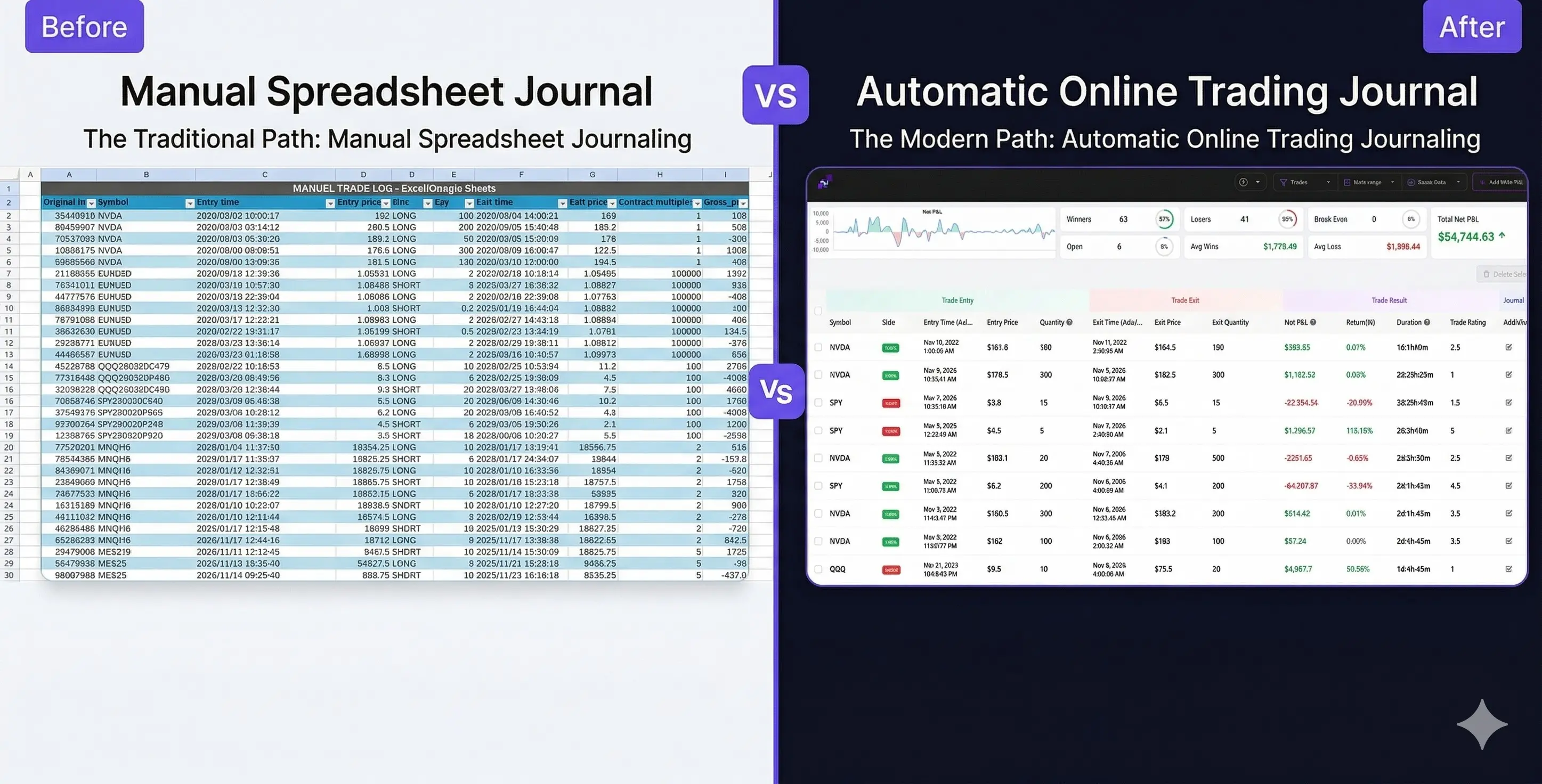
Excel can work for simple trade tracking, especially when you are just starting out. But as your trading activity grows, manual spreadsheets become harder to maintain, easier to break, and less useful for deeper performance analysis.
Turn Your Trading Journal Template into Actionable Insights
- Review Your Trading Calendar
- See your trading activity by day, week, and month. Quickly spot strong periods, weak periods, and patterns in your consistency.
- Analyze Symbols and Strategies
- Find out which symbols, setups, and strategies are helping or hurting your performance.
- Track Notes, Tags, and Mistakes
- Add context to each trade and review recurring mistakes, emotional patterns, and market conditions.
- Understand Net Performance
- Review performance after commissions, fees, taxes, and other trading costs, so your journal reflects your real trading results.
A Trading Journal Template for Multiple Markets
TradeBB can be used by traders across different markets, including stocks, options, futures, and forex. The journal is especially useful for traders who use supported brokers and want a cleaner way to review imported trading data.
Stocks
Options
Futures
Forex
Download a Simple Trading Journal Excel Template
Want to start with a spreadsheet? Download a simple trading journal template to record your trades manually. It is a good starting point for tracking entries, exits, position size, P&L, notes, and basic trade review.
FAQ
What is a trading journal template?
A trading journal template is a structured way to record and review your trades. It usually includes trade date, symbol, entry price, exit price, position size, P&L, fees, notes, strategy, mistakes, and market conditions.
Can I use this trading journal template for stocks, options, and futures?
Yes. You can use the template to track stocks, options, futures, forex, and other trading activity. TradeBB is especially useful for traders who want to import trades from supported brokers and review performance online.
Is an Excel trading journal enough?
An Excel trading journal can be enough when you are just starting out or placing a small number of trades. For active traders, an online trading journal can save time by helping with trade imports, reports, dashboards, calendar views, tags, notes, and broker account analysis.
Can I import trades from my broker?
TradeBB supports trade imports from many popular brokers, including Interactive Brokers, Charles Schwab, Fidelity, TradeStation, Tradovate, NinjaTrader, Robinhood, Webull, E*TRADE, and more.
Can I use TradeBB before creating my own journal?
Yes. You can explore the TradeBB demo account to see how trades, reports, dashboards, calendar views, strategies, tags, and broker accounts work before setting up your own journal.
Ready to Move Beyond a Spreadsheet?
Start with a trading journal template, or use TradeBB to import your trades and review your performance with a complete online trading journal.